
Home Wi-Fi, explained
Why is the Wi-Fi bad in that one room?
Practical guides to the problems people actually have at home, written around one idea: measure the rooms first, then fix the right thing. Start from the problem you're seeing.
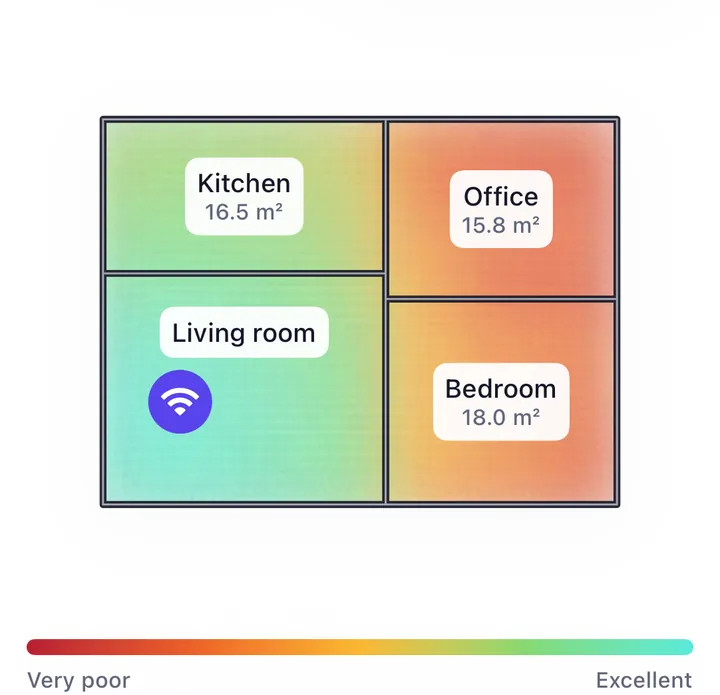
What's going wrong?
A room or a floor gets bad Wi-Fi
Dead zones, weak rooms, walls, floors and the places routers can't reach.
- Why does one room get weak or no Wi-Fi?Wi-Fi not reaching a room · 6 min read
- Why is the Wi-Fi weak upstairs?Wi-Fi weak upstairs · 5 min read
- Which walls and objects really block Wi-Fi?What blocks Wi-Fi · 5 min read
- How do I get Wi-Fi into, or out of, the basement?Wi-Fi and the basement · 4 min read
- How do I get Wi-Fi in the garden?Wi-Fi in the garden · 3 min read
- Can the microwave slow down the Wi-Fi?Microwave and Wi-Fi · 3 min read
Measuring your Wi-Fi
Reading the real signal, and the numbers that explain a slow connection.
- How can I see the real Wi-Fi signal on my iPhone?Wi-Fi signal on iPhone · 4 min read
- Why is the Wi-Fi slow with full bars?Full bars but slow Wi-Fi · 4 min read
- How do I measure jitter and latency on my home connection?Latency, jitter and packet loss · 4 min read
- How do I make a Wi-Fi map of my home?Wi-Fi heatmap · 4 min read
Where the router should go
Most coverage problems start with where the router sits.
Mesh, extenders and access points
When one router isn't enough: what to buy, how many and where.
Calls, games and connected devices
When a specific device or activity is the one that suffers.
Measure first, then fix
Most Wi-Fi advice skips the first step: finding out where the connection actually fails. That's the step our guides start from.
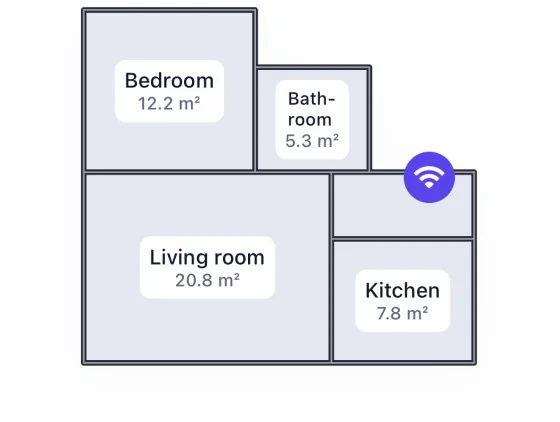
1 Draw the rooms
Walk through your home with the iPhone and trace the rooms you care about.
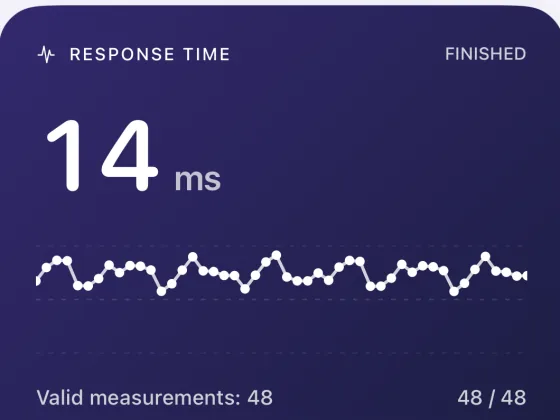
2 Test where you stand
In each spot the app checks how quickly and steadily the router answers.
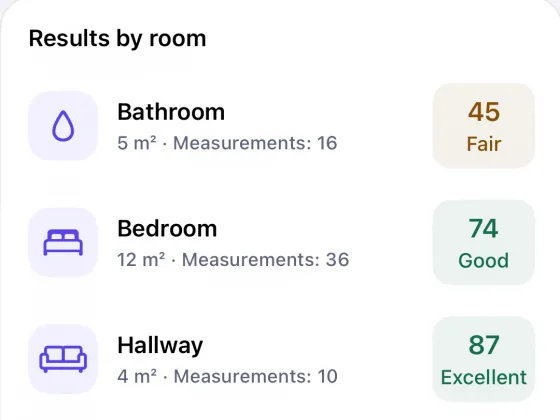
3 Read the rooms
Each room gets a score, worst first, so you know where to start.
The app we use in these guides
WiFi Heatmap draws your floor plan on an iPhone and colours it by connection quality. It's how we read a home before changing anything.
No account. Your floor plans stay on your iPhone.